AI Photo Enhancer Online Free
Use AI to fix blurry, low‑quality photos in seconds – right in your browser.
No credit card required · Free 10 credits on sign up
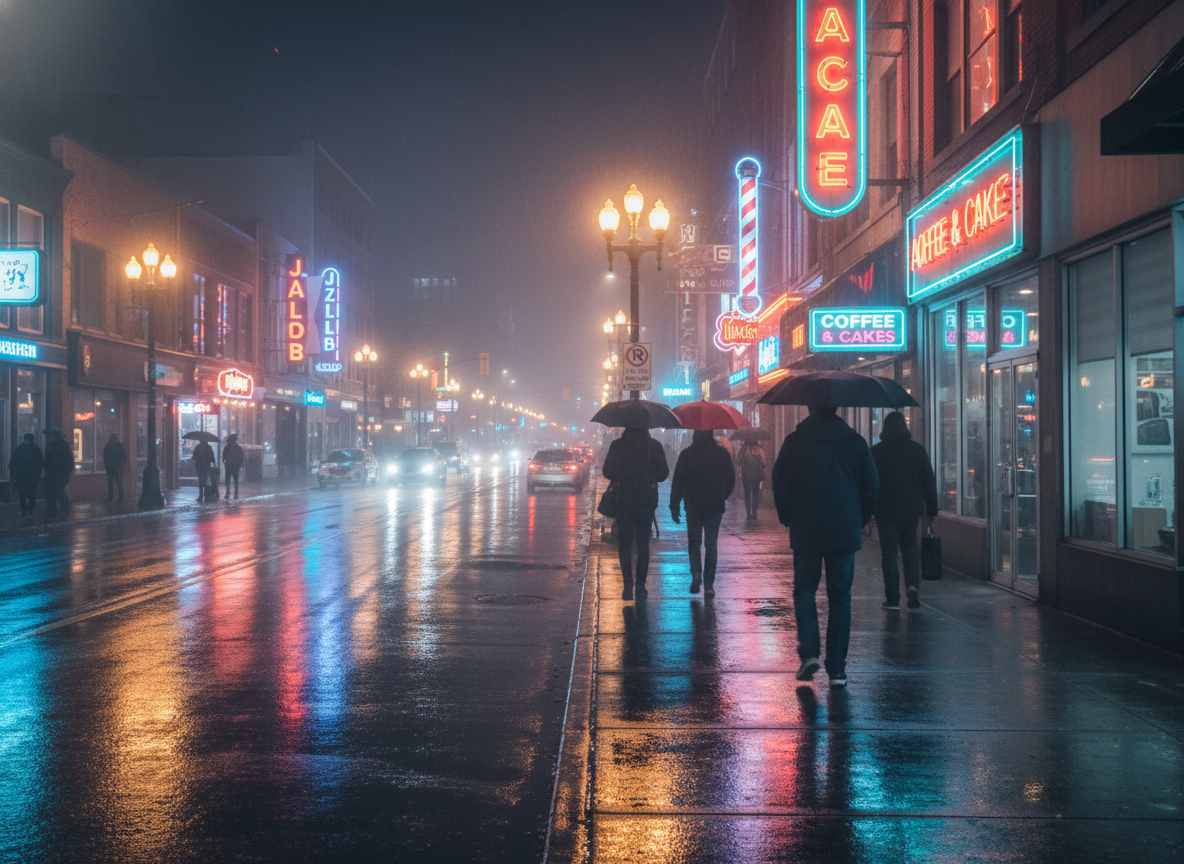
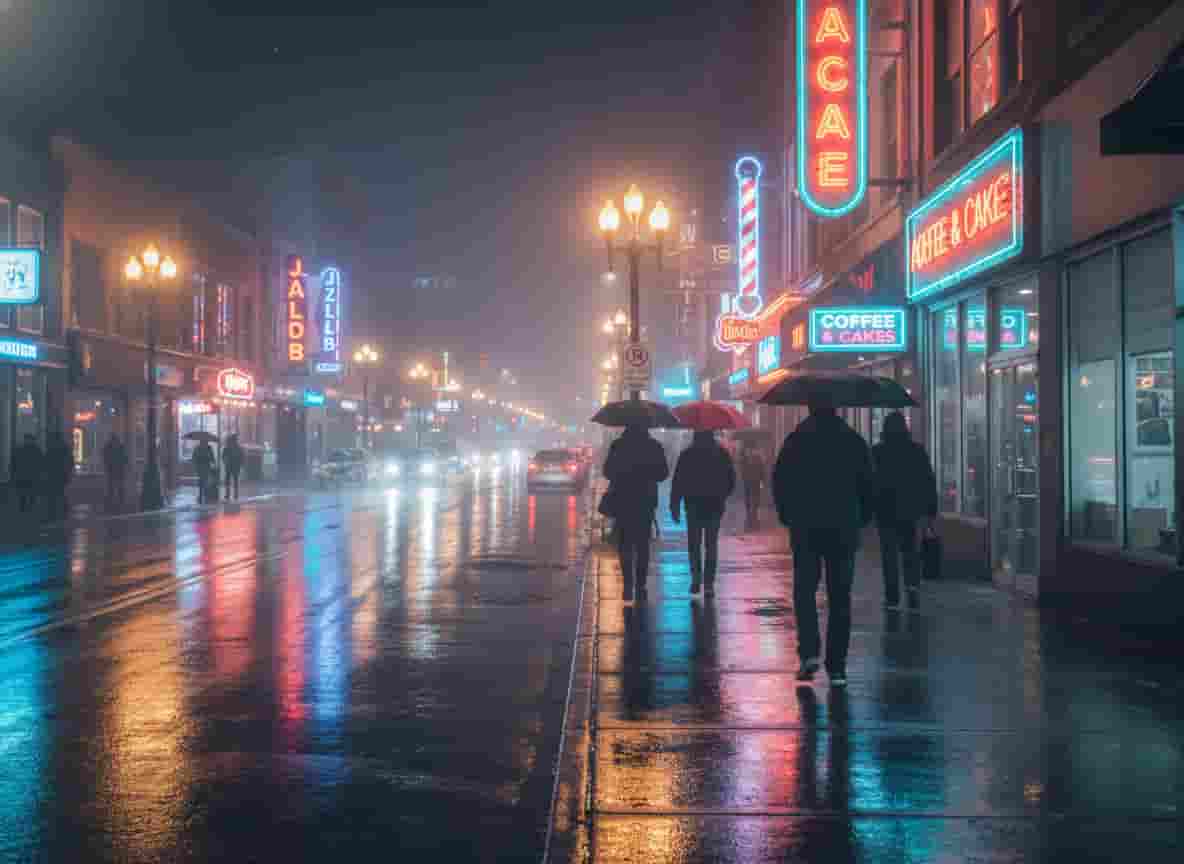
Features of photo enhancer
Our photo enhancer offers all-in-one tools that allow you to focus on processing your photos without racking your brains over how to write prompts.
Photo Enhancer
It enhances photo clarity and works well in processing various types of photos, such as landscapes.
AI Upscaler
Upscale low-resolution images up to 4x without losing quality. Perfect for printing and large displays.
Old Photo Restore
Bring old, damaged, and scratched photos back to life. Restore memories with incredible detail.
Face Enhancer
Automatically detect and enhance facial details. Fix blurry faces and improve skin texture instantly.
Image Extender
Utilizing advanced AI capabilities to expand the boundaries of images, making the overall image more complete.
More
More features are under development, please stay tuned.
How It Works
Enhance your photos in three simple steps. No technical skills required.
Upload Photo
Simply drag and drop your photo or select it from your device. Currently, PNG, JPEG, and WEBP formats are supported.
AI Enhancement
Our powerful AI analyzes the image and automatically applies the best enhancements in seconds.
Download Result
Preview the before/after comparison and download your high-quality enhanced photo.

AI Powered
Latest Generation Models
Why We Built Photo Enhancer
Photo Enhancer is a lightweight online AI photo enhancement tool designed to quickly repair blurry, low-quality photos. It requires no software installation or complicated settings; simply use it directly in your browser. We focus on doing one thing well: eliminating blur from everyday photos and enhancing their clarity to make them suitable for saving, sharing, or professional use.
Privacy Protection
Your photos are automatically deleted after 24 hours.
Data Security
We don’t use your photos to train models.
No Quality Loss
Enhance resolution without introducing artifacts.
Cases of using photo enhancer
Photo enhancer can be used in a variety of scenarios to improve productivity.
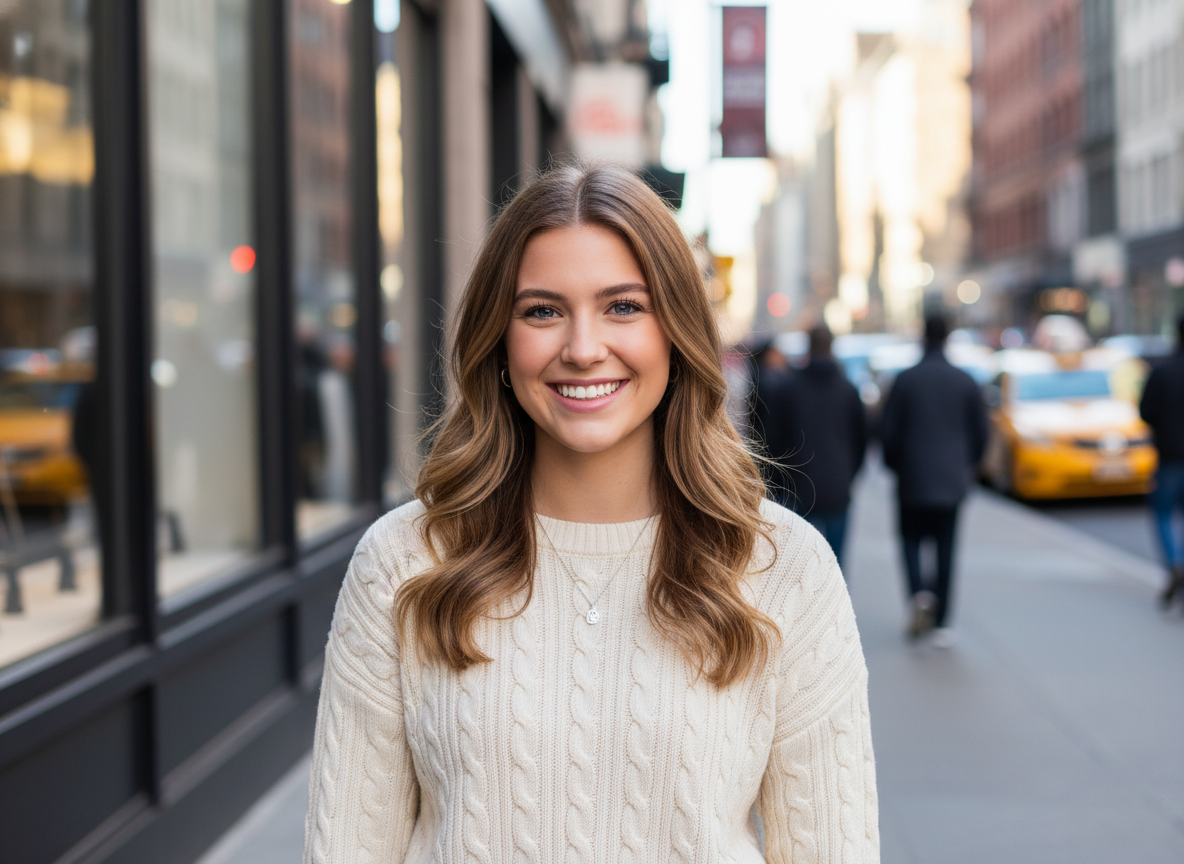
Portrait Enhancement
We specifically perform automatic detection and enhancement of facial details in portrait photos. This can repair blurry facial images and improve skin texture while ensuring that the face in the photo is not over-processed, maintaining the original authenticity of the photo.
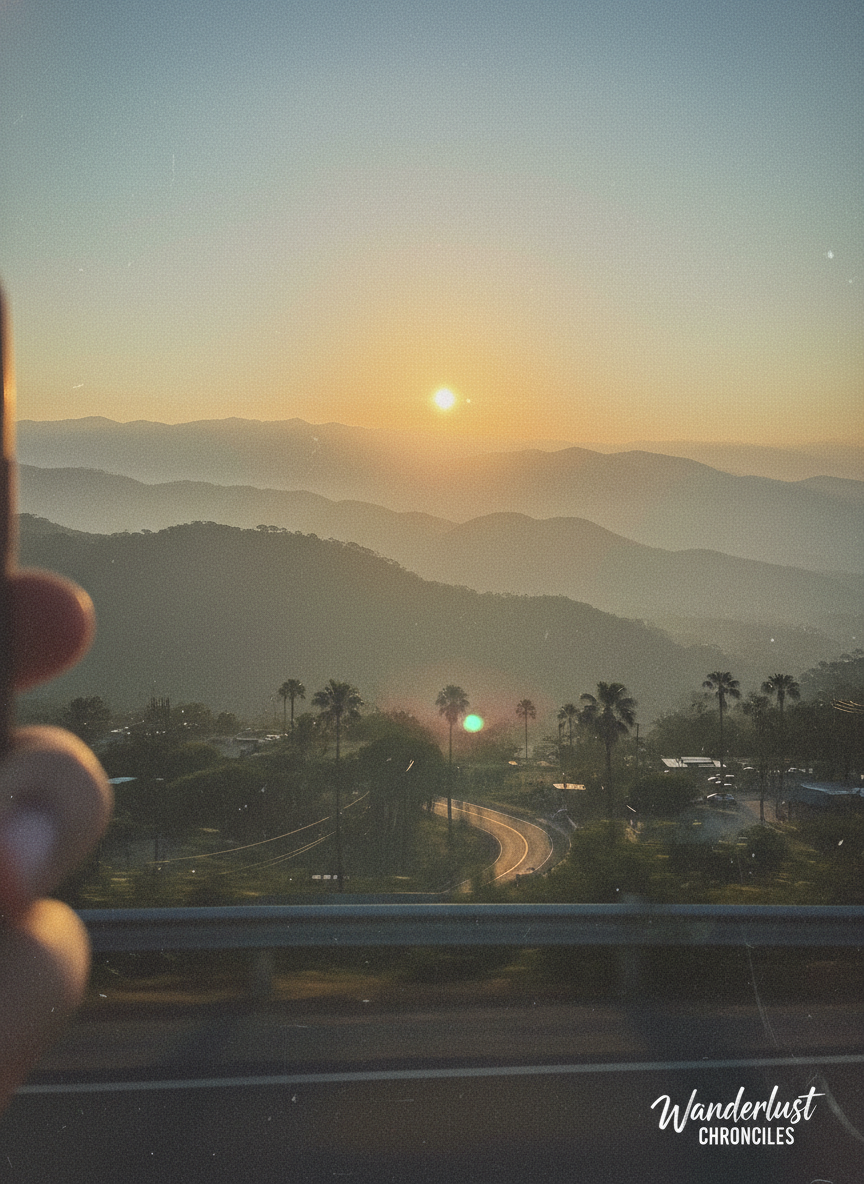
Landscape Detail
In landscape and scenic images, we repeatedly tested and adjusted the details to achieve just the right amount of processing on the subtle aspects of different photos, avoiding both over-processing and sloppy handling.
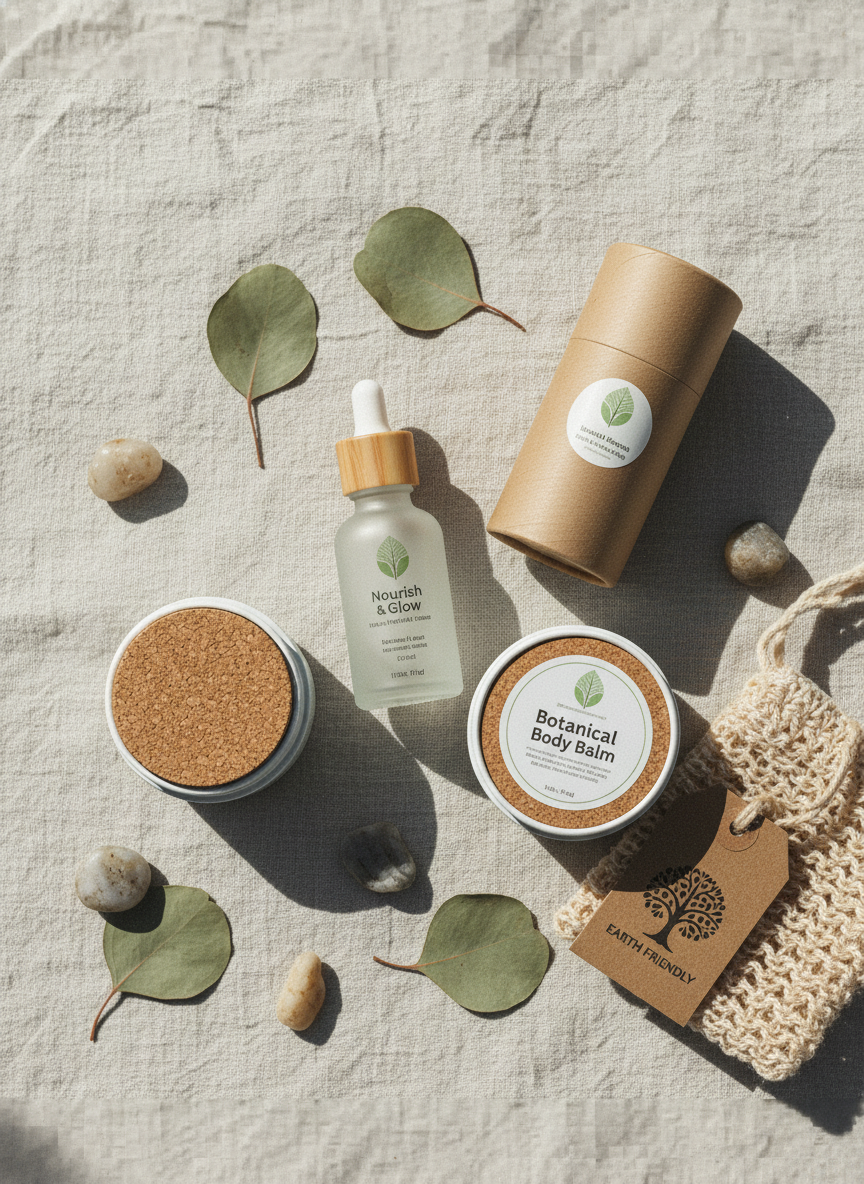
Product Upscaling
Image processing is one of the most common scenarios for e-commerce products. Using the photo enhancer, blurry photos can be easily adjusted to high-definition and lossless images, making it easier to attract users' clicks and purchase desire on e-commerce platforms.

Old Photo Restoration
Old photos are precious memories of a certain moment. Using the photo enhancer can make old photos clearer, making them easier to store, and allowing us to recall those happy moments.
Photo Enhancer FAQs
Questions you might want to know when using AI photo enhancer.
Ready to Enhance Your Photos?
Join thousands of users who are already enhancing their images with AI. No credit card required.
Free to try • No installation needed • Secure & Private