Free Online Photo Enhancer
Make your photos look clearer with an AI‑powered photo enhancer in your browser.
Upload a photo
Drag and drop your photos here, or click to upload
Supports JPG, PNG, WebP formats, max 10MB
When & What does it works best
This free photo enhancer is designed for everyday photos that are almost good enough but just not quite clear. It’s ideal when you want to make a photo easier to see and share, without spending time on manual editing.
Soft & Hazy Phone Photos
Instantly sharpen details and remove atmospheric haze to make your everyday snapshots pop with clarity and vibrancy.
Motion Blur & Focus Issues
Recover facial details and correct motion blur caused by shaky hands, ensuring your portraits look crisp and professional.
Noise & Compression Artifacts
Smooth out grain and remove JPEG artifacts without losing essential texture, perfect for low-light or web-compressed images.
Low Contrast & Poor Lighting
Intelligently adjust lighting and contrast to reveal hidden details in shadows and bring depth back to your images.
Low-Res Old Digital Photos
Upscale and enhance resolution to give new life to your early digital archives, making them suitable for modern high-res displays.
How to use the free online photo enhancer
Enhance your photos in 3 simple steps
Upload Photo
Drag & drop your photo or click to browse. We support JPG, PNG, and WEBP formats.
AI Enhancement
Our advanced AI analyzes and enhances your photo automatically in seconds.
Download Result
Preview the before/after comparison and download your enhanced high-quality photo.
Tip
Want to see every detail? Use the Full Screen button in the result view to inspect your enhanced photo up close.
What can Photo Enhancer do
See how the free photo enhancer changes your photos.
Night Market Street Scene
our free photo enhancer clears up a hazy night-market snapshot so neon signs, rain reflections and sidewalk details pop without crushing the ambient glow.
- Sharper Neon Edges
- Reduced High-ISO Grain
- Balanced Contrast


Compressed Ecommerce Product Photo
Upload a twice-compressed product shot to the photo enhancer online free mode and the jagged text, zipper teeth and subtle textures all return without introducing halos.
- Smoother Color Boundaries
- Restored Micro-texture
- Cleaner Typography

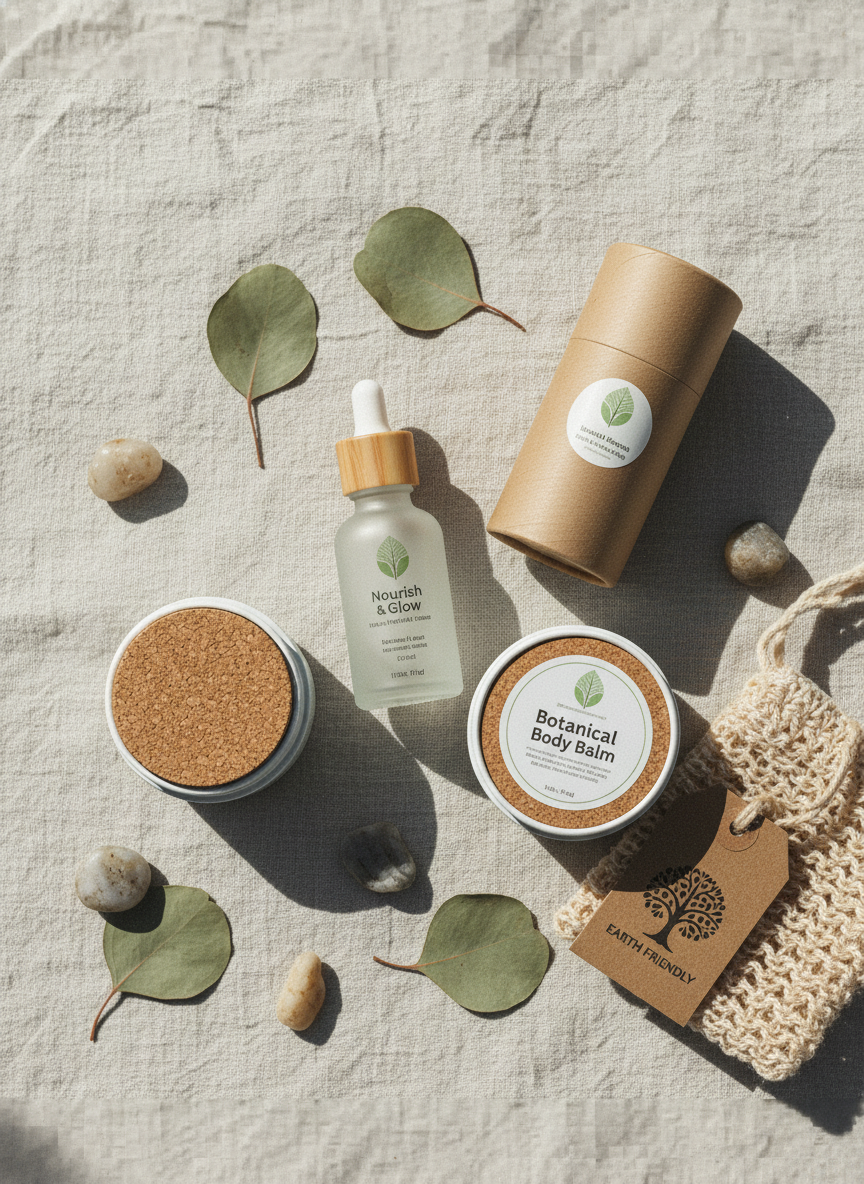
Slide Or Infographic Screenshot
The photo enhancer free online option turns a fuzzy presentation screenshot into crisp lines and readable type, so you can share it without re-exporting the file.
- Sharper Vector-style Lines
- Higher Legibility At Small Sizes
- Reduced Blocky Artifacts
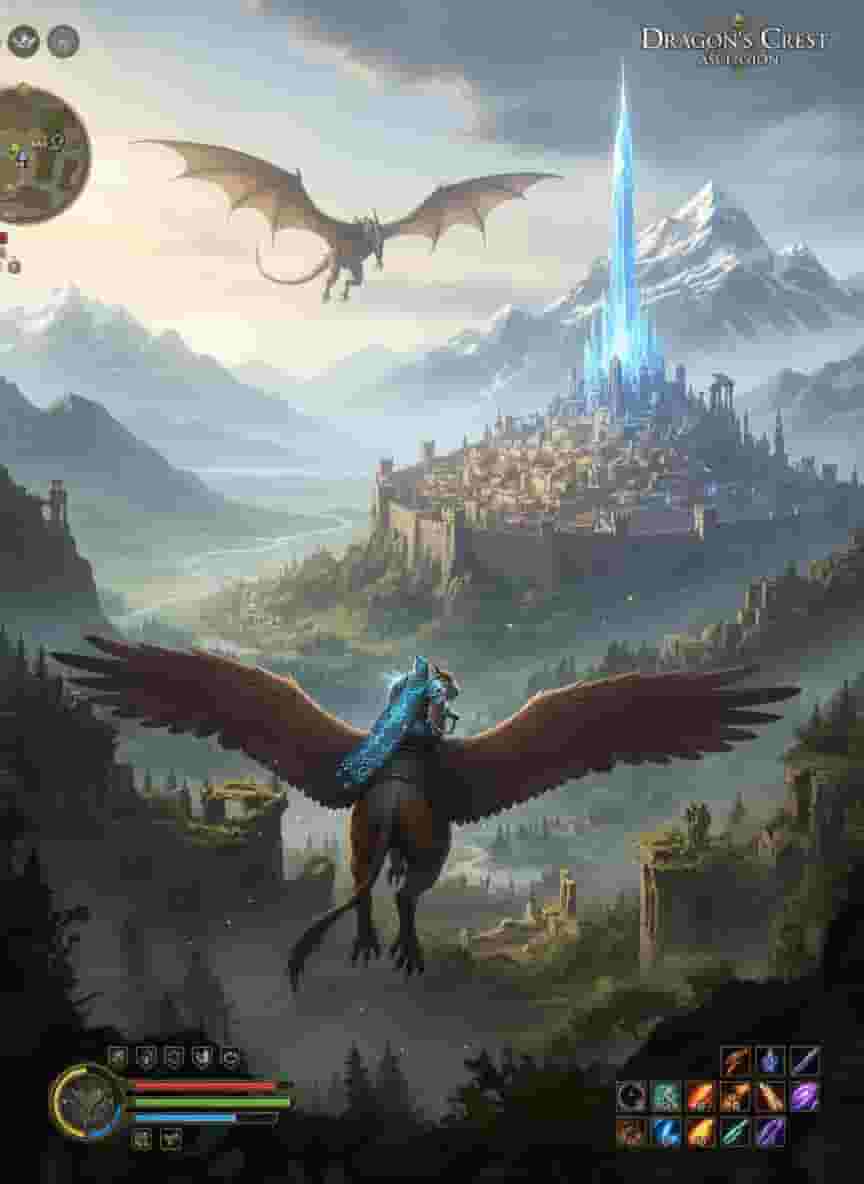

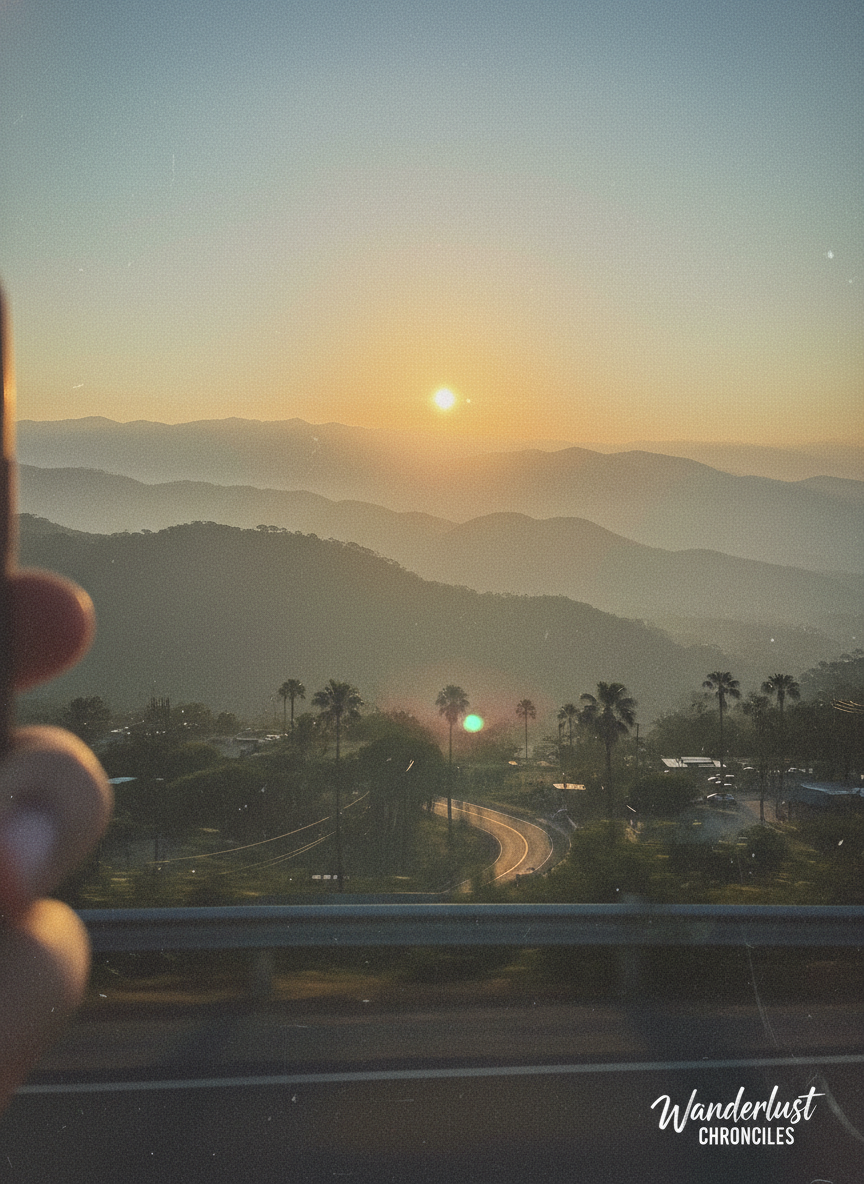
Hazy Travel Landscape
A misty hilltop photo gains depth and richer tones after a pass through our free online photo enhancer, bringing back tree lines and rock edges that were barely visible.
- Clearer Midtone Detail
- More Defined Horizons
- Natural-looking Saturation

Need more power?
Upgrade to Pro for higher resolution, faster processing, and more generous usage limits when enhancing your photos.
FAQs about free online photo enhancer
Questions you might want to know when using AI photo enhancer.
Explore more free AI tools
After using this free photo enhancer, try the rest of our AI toolbox for background removal, object cleanup, resizing, colorizing and more.